Module: wordcloud

NOTE Brand new module! This has lots of random parameters that seem to make a good picture.

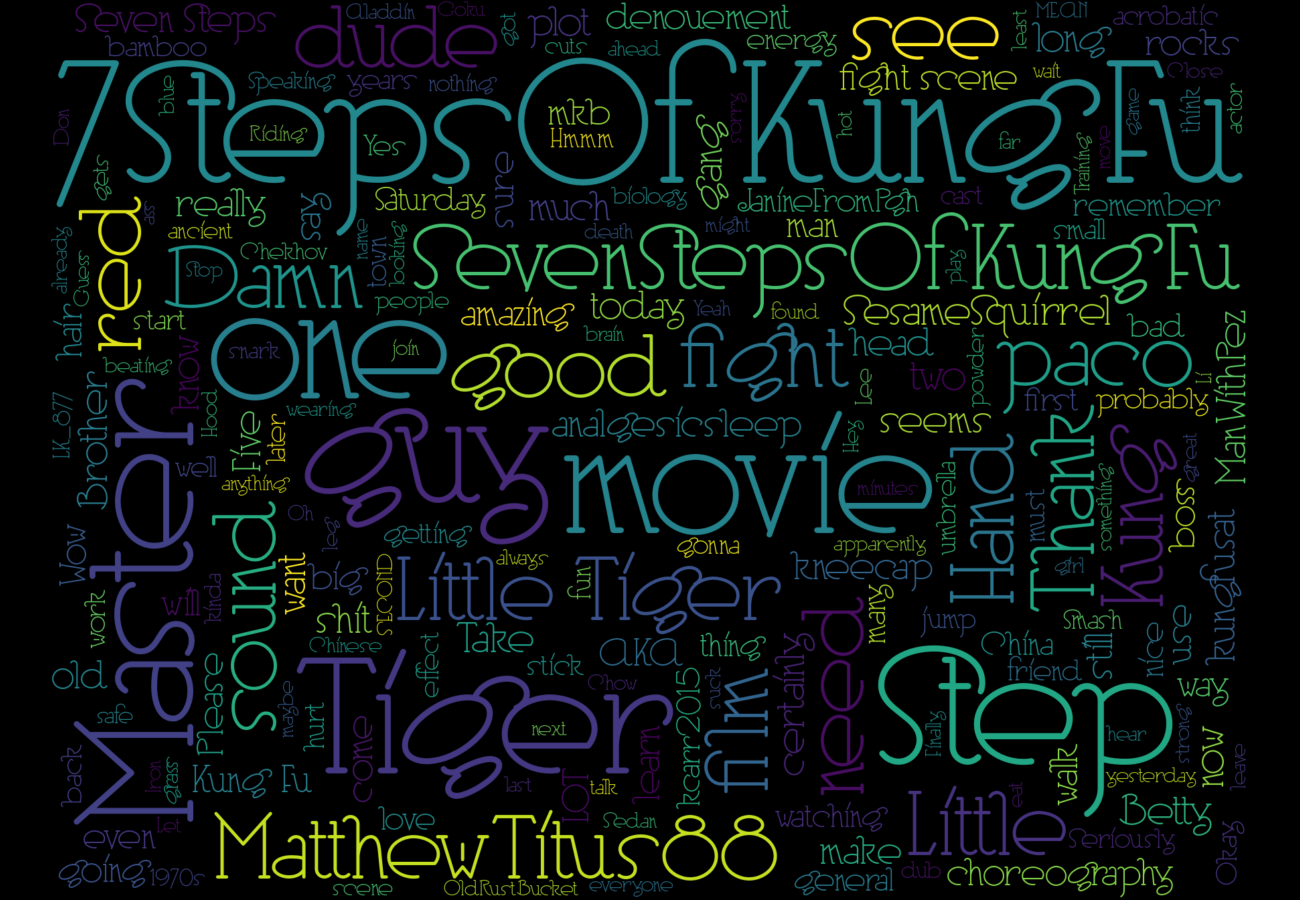
The hashtag tends to dominate the graph. I like that because it serves as like a title or anchoring word. But some folks want to see it without the hashtag itself dominating. So there's a config option hashtag_fix that takes one of 3 values. (Default if omitted is as-is). In this section, I show the same data set from Kung-Fu Saturday, 7 December 2024 visualized 3 different ways.

Alt Text Generation

As of version 1.2.0, the wordcloud module now automatically generates descriptive alt text for each wordcloud image. This alt text includes:

The alt text is saved to a text file with the same name as the wordcloud image but with a .txt extension. For example, if the wordcloud is saved as wordcloud-monsterdon-20250409-as-is.png, the alt text will be saved as wordcloud-monsterdon-20250409-as-is.txt.

This feature makes the wordclouds more accessible and provides a quick summary of the key words from the visualization.

Custom Stop Words

You can exclude specific words from appearing in your wordcloud by adding a stop_words parameter to the [wordcloud] section of your INI file. This is particularly useful for filtering out common words that aren't meaningful to your analysis.

To use this feature:

  1. Add a stop_words parameter to the [wordcloud] section of your INI file
  2. Provide a comma-separated list of words to exclude

For example:

[wordcloud]
graph_title  = Wordcloud
font         = /path/to/font.otf
size_x       = 1280
size_y       = 960
hashtag_fix  = remove
stop_words   = movie, film, watching, watch, tonight, scene, scenes, actor, actors

These words will be excluded from the wordcloud in addition to the default stop words and any other configured exclusions. This is especially useful for event-specific hashtags where certain common words might dominate the visualization without adding meaningful information.

as-is

Leave the hashtag alone.

kungfu saturday as-is

remove

Remove all instances of the hashtag kungfu saturday remove

reduce

Remove most (currently hard-coded at 90%) occurrences of the hashtag. It will still be popular enough to be quite large, but it won't dominate. In this example, "KungFuSat" is near the top right, in a dark purple.

kungfu saturday reduce

Synopsis

mastoscore --debug=info ini/monsterdon-20241201.ini wordcloud

Creates a file named {journaldir}/wordcloud-{journalfile}.png.

A Word about Emoji

While it is possible to make a word cloud that includes emoji, it's a bit complicated. See, it really boils down to the font and matplotlib's support for fonts. I think a lot of fancy word processing systems use multiple fonts (one for text, one for rendering symbols like emoji). But matplotlib needs a single font that has everything you want in it. The only one I have found like that is Symbola, which is OK, but the words themselves look pretty terrible. I think the right answer is probably to build emoji support into word_cloud itself to give it some emoji awareness and then use a different font for emojis. For now, I'm just dropping all emojis and punctuation.

Examples

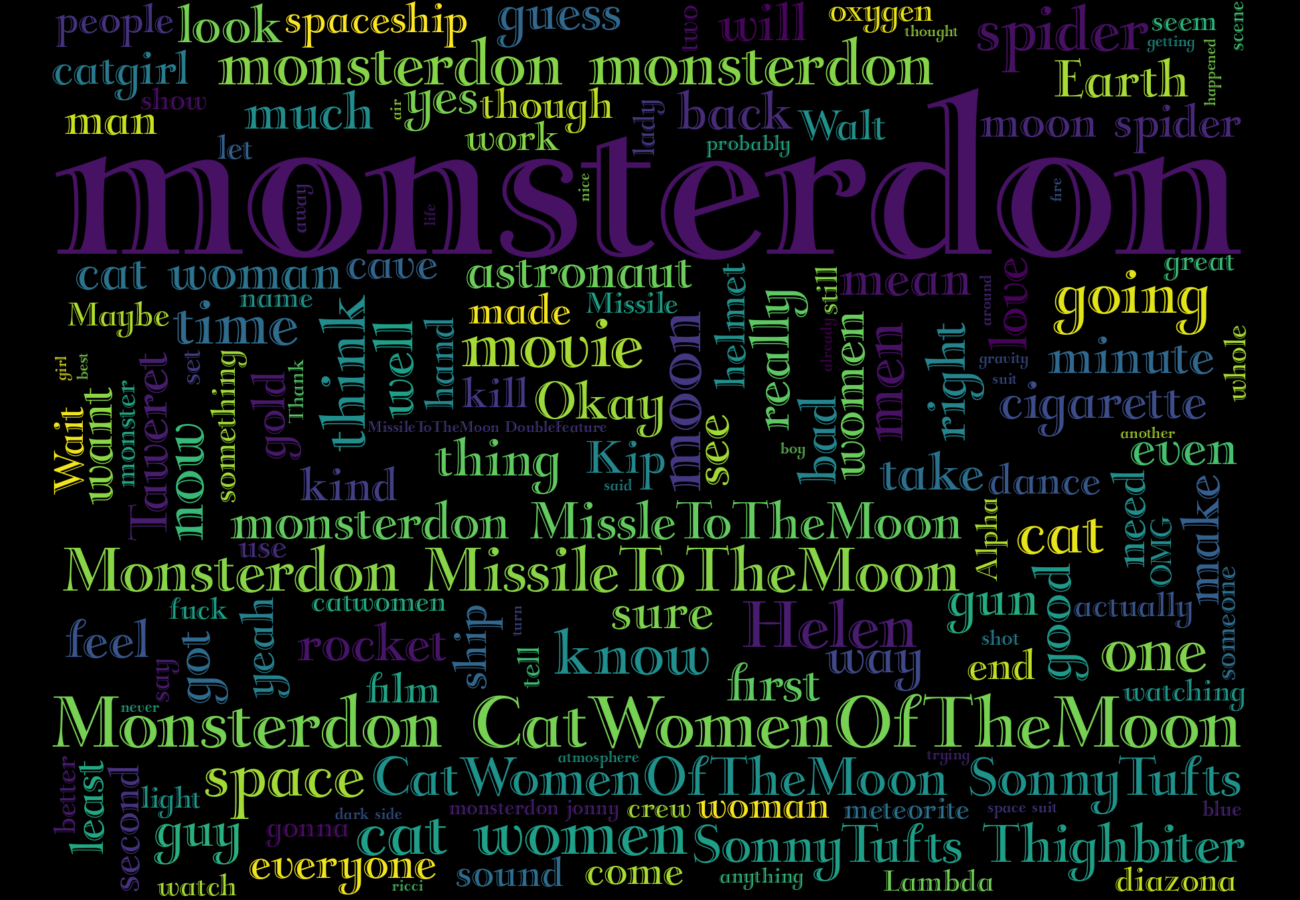
Example Monsterdon

Code Reference

Module to take the data in from analysis and produce a wordcloud graphic.

get_random_font(config)

Get a random font from the fonts list in config.

Source code in mastoscore/wordcloud.py
def get_random_font(config:ConfigParser) -> str:
    """Get a random font from the fonts list in config."""
    fonts_str = config.get("wordcloud", "fonts")
    fonts = [f.strip() for f in fonts_str.split(',')]
    return choice(fonts)

write_wordcloud(config)

This is the only function, for now. It invokes get_toots_df() to get the DataFrame. Then it discards basically everything other than the content column. I post-process to remove some weird things (there's lots of emoji-like things). I also remove the hashtag itself, because it's obviously gonna have the highest frequency.

Parameters:

Name Type Description Default
config ConfigParser

A ConfigParser object from the config module

required

Config Parameters Used

Option Description
graph:journalfile Filename that forms the base of the graph's filename.
graph:journaldir Directory where we will write the graph file
fetch:hashtag Hashtag to search for
wordcloud:font_path Path to fonts like Symbola
wordcloud:hashtag_fix What to do with the main hashtag? 'reduce', 'remove', or 'as-is'
wordcloud:size_x Size in pixels for the image. Default 1280
wordcloud:size_y Size in pixels for the image. Default 960
wordcloud:stop_words Comma-separated list of words to exclude
mastoscore:event_year Year of the event (YYYY)
mastoscore:event_month Month of the event (MM)
mastoscore:event_day Day of the event (DD)

Returns:

Type Description
None

None

Writes the graph to a file named wordcloud/wordcloud-hashtag-YYYYMMDD-hashtag_fix.png Writes alt text description to wordcloud/wordcloud-hashtag-YYYYMMDD-hashtag_fix.txt

Source code in mastoscore/wordcloud.py
def write_wordcloud(config:ConfigParser) -> None:
    """
    This is the only function, for now. It invokes [get_toots_df()](module-analyse.md#mastoscore.analyse.get_toots_df)
    to get the DataFrame. Then it discards basically everything other than the `content` column.
    I post-process to remove some weird things (there's lots of emoji-like things). I also remove the
    hashtag itself, because it's obviously gonna have the highest frequency.

    Args:
      config: A ConfigParser object from the [config](module-config.md) module

    ## Config Parameters Used

    | Option | Description |
    | ------- | ------- |
    | `graph:journalfile` | Filename that forms the base of the graph's filename. |
    | `graph:journaldir` | Directory where we will write the graph file |
    | `fetch:hashtag` | Hashtag to search for |
    | `wordcloud:font_path` | Path to fonts like Symbola |
    | `wordcloud:hashtag_fix` | What to do with the main hashtag? 'reduce', 'remove', or 'as-is' |
    | `wordcloud:size_x` | Size in pixels for the image. Default 1280 |
    | `wordcloud:size_y` | Size in pixels for the image. Default 960 |
    | `wordcloud:stop_words` | Comma-separated list of words to exclude |
    | `mastoscore:event_year` | Year of the event (YYYY) |
    | `mastoscore:event_month` | Month of the event (MM) |
    | `mastoscore:event_day` | Day of the event (DD) |

    Returns:
        None

    Writes the graph to a file named wordcloud/wordcloud-hashtag-YYYYMMDD-hashtag_fix.png
    Writes alt text description to   wordcloud/wordcloud-hashtag-YYYYMMDD-hashtag_fix.txt

    """

    hashtag = config.get("mastoscore", "hashtag")
    size_x = config.getint("wordcloud", "size_x")
    size_y = config.getint("wordcloud", "size_y")
    font = get_random_font(config)
    hashtag_fix = config.get("wordcloud", "hashtag_fix", fallback="as-is")
    logger = get_logger(config, __name__)

    # Get date components for filename
    try:
        year = config.get("mastoscore", "event_year")
        month = config.get("mastoscore", "event_month")
        day = config.get("mastoscore", "event_day")
        date_str = f"{year}{month}{day}"
    except Exception as e:
        logger.error(f"Failed to get date components from config: {e}")
        logger.error("Falling back to current date")
        date_str = datetime.now().strftime("%Y%m%d")

    # import the stop words list from the WordCloud package. Add a few specifics to it
    stop_words = STOPWORDS.copy()

    # Add custom stop words from config file if they exist
    if config.has_option("wordcloud", "stop_words"):
        custom_stop_words = config.get("wordcloud", "stop_words")
        # Split by commas and strip whitespace from each word
        for word in [w.strip().lower() for w in custom_stop_words.split(",")]:
            if word:  # Only add non-empty words
                stop_words.add(word)
                logger.debug(f"Added custom stop word: '{word}'")
        logger.info(
            f"Added {len(custom_stop_words.split(','))} custom stop words from config"
        )

    df = get_toots_df(config)
    worddata = list(df["content"])
    # all we care about is the content data, so we delete the whole dataframe. :)
    del df
    allwords = " ".join(worddata)
    bswords = BeautifulSoup(allwords, features="html.parser")
    just_text = bswords.get_text()
    just_text = re.sub("http[^ ]+ ", " ", just_text)
    just_words = [
        word
        for word in re.split(r"[ #,!-]+", just_text)
        if len(word) >= 3 and not word.startswith("http") and not word.startswith("@")
    ]
    if hashtag_fix == "remove":
        stop_words.add(hashtag.lower())
    elif hashtag_fix == "reduce":
        # This is a cheesey way to implement "keep X0%". I just pick a bunch of
        # random numbers between 0 and 9 and check if it comes up higher than X.
        # I go through the words and the ones that don't match the hashtag are just
        # kept. If it's the hashtag, then I roll a die to see if I keep it.
        old_len = len(just_words)
        just_words = [
            word
            for word in just_words
            if word.lower() != hashtag.lower() or randint(0, 9) > 8
        ]
        new_len = len(just_words)
        logger.debug(
            f"Removing {hashtag} removed {old_len - new_len} words, leaving {new_len}"
        )
    just_words = " ".join(just_words)
    # the regex used to detect words is a combination of normal words, ascii art, and emojis
    # 2+ consecutive letters (also include apostrophes), e.x It's
    normal_word = r"(?:\w[\w']+)"
    font_path = font
    avail_cmaps =  ['Pastel1', 'Pastel2', 'Paired', 'Accent', 'Dark2',
                    'Set1', 'Set2', 'Set3', 'tab10', 'tab20', 'tab20b',
                    'tab20c']
    cmap = choice(avail_cmaps)
    logger.info(f"Chose colormap: {cmap}")
    wc = WordCloud(
        font_path=font_path,
        width=size_x,
        height=size_y,
        max_font_size=360,
        max_words=200,
        regexp=normal_word,
        scale=1.4,
        prefer_horizontal=0.60,
        font_step=1,
        relative_scaling=0.1,
        repeat=False,
        stopwords=stop_words,
        margin=4,
        min_word_length=3,
        normalize_plurals=False,
        colormap=cmap,
    ).generate(just_words)

    # Graphs go in the journal directory now
    graphs_dir = create_journal_directory(config)

    # Create the wordcloud filename with wordcloud-hashtag-YYYYMMDD-hashtag_fix pattern
    graph_file_name = os.path.join(
        graphs_dir, f"wordcloud-{hashtag}-{date_str}-{hashtag_fix}.png"
    )
    alt_text_file_name = os.path.join(
        graphs_dir, f"wordcloud-{hashtag}-{date_str}-{hashtag_fix}.txt"
    )

    # Generate alt text description
    just_words = [
        word.lower() for word in just_words.split(" ") if word.lower() not in stop_words
    ]
    word_counts = Counter(just_words)
    total_unique_words = len(word_counts)
    top_words = word_counts.most_common(10)

    event_date = datetime.fromisoformat(f"{year}-{month}-{day}")
    nice_date = datetime.strftime(event_date, "%A, %e %b %Y")

    # Format the alt text
    alt_text = f"""The word cloud for {nice_date}. Words are larger the more frequently \
they appeared in posts. There were {total_unique_words} unique words posted, and \
the wordcloud shows the {len(wc.words_.keys())} most frequent. \
The top 10 most frequent words were: """
    for word, count in top_words:
        alt_text += f"{word}: {count}, "

    # Add information about custom stop words if any
    if config.has_option("wordcloud", "stop_words"):
        custom_stop_words = config.get("wordcloud", "stop_words")
        if custom_stop_words.strip():
            alt_text += "\nThese words were excluded from the word cloud: \n"
            for word in [w.strip() for w in custom_stop_words.split(",")]:
                if word:
                    alt_text += f"{word}, "
    alt_text += f"and the hashtag {hashtag}."
    plt.style.use("dark_background")
    plt.figure(figsize=(13, 9))
    plt.axis("off")
    plt.gca().set_position([0.0, 0.0, 1.0, 1.0])
    plt.imshow(wc, interpolation="bilinear")
    try:
        plt.savefig(graph_file_name, format="png")

        # Save the alt text to a file
        with open(alt_text_file_name, "w") as alt_file:
            alt_file.write(alt_text)
            logger.info(f"Saved alt text to {alt_text_file_name}")

    except Exception as e:
        logger.error(f"Failed to save {graph_file_name}")
        logger.error(e)
        raise
    else:
        logger.info(f"Saved {graph_file_name}")