
Run Backstage
Backstage is a pretty full-featured, web-based front-end to Mastoscore functions. It breaks down the activities required to do a run into web pages that provide some immediate feedback.
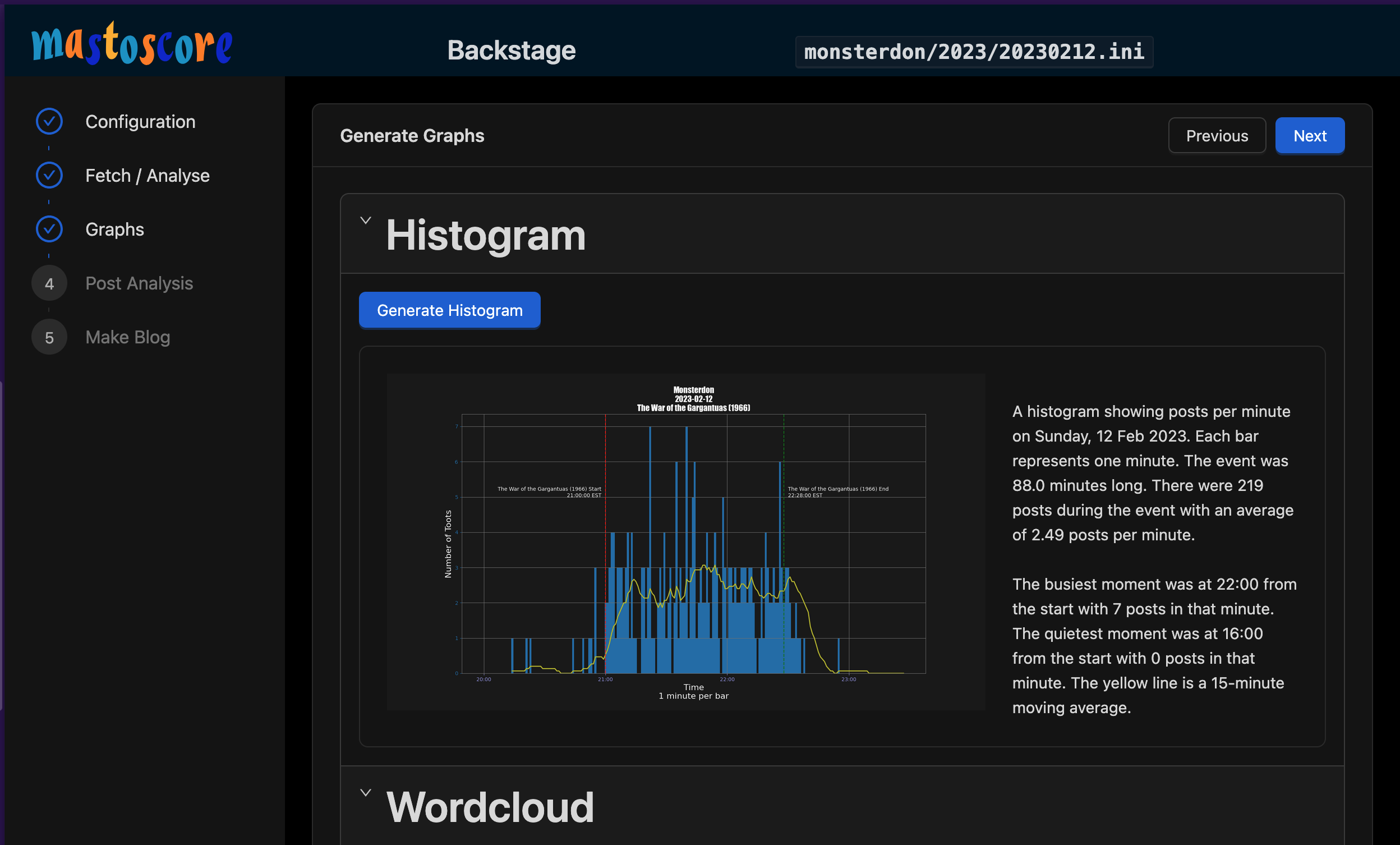
Quick Start
All commands expect to run in the project root directory:
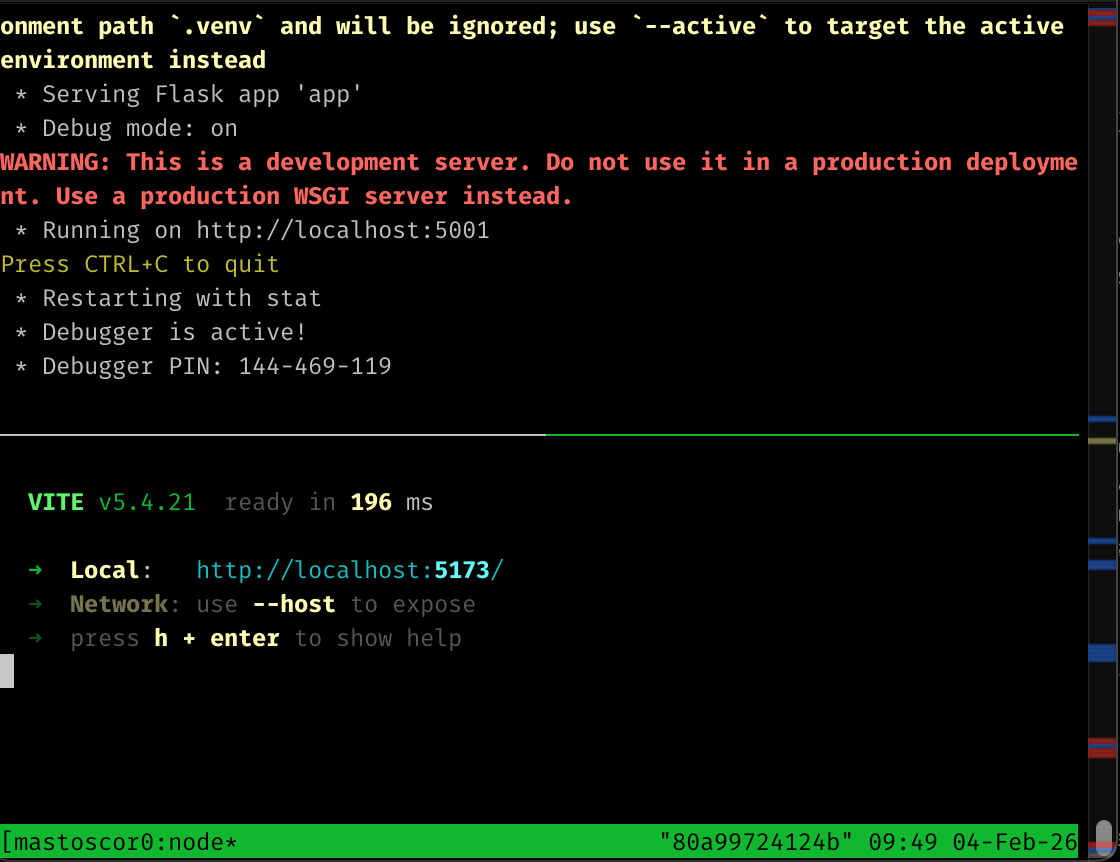
./scripts/backstage.sh
The backstage.sh will ensure that Python dependencies and NodeJS dependencies are installed. It implicitly invokes nvm.sh because that's what I use.
It will try to launch on port 5173. If you do a lot of React and vite development, that port might already be taken. Vite will choose another number, so watch. Sometimes it launches on 5174 because I already have something running on 5173. Open your browser to http://localhost:5173. DO NOT OPEN THIS UP TO THE INTERNET: it is not hardened in any way. If this was visible on the internet, it would be wrecked in about 5 seconds.
General Flow
- Set up a config. I usually find a config I already have, hit the copy button, and then fill in the details.
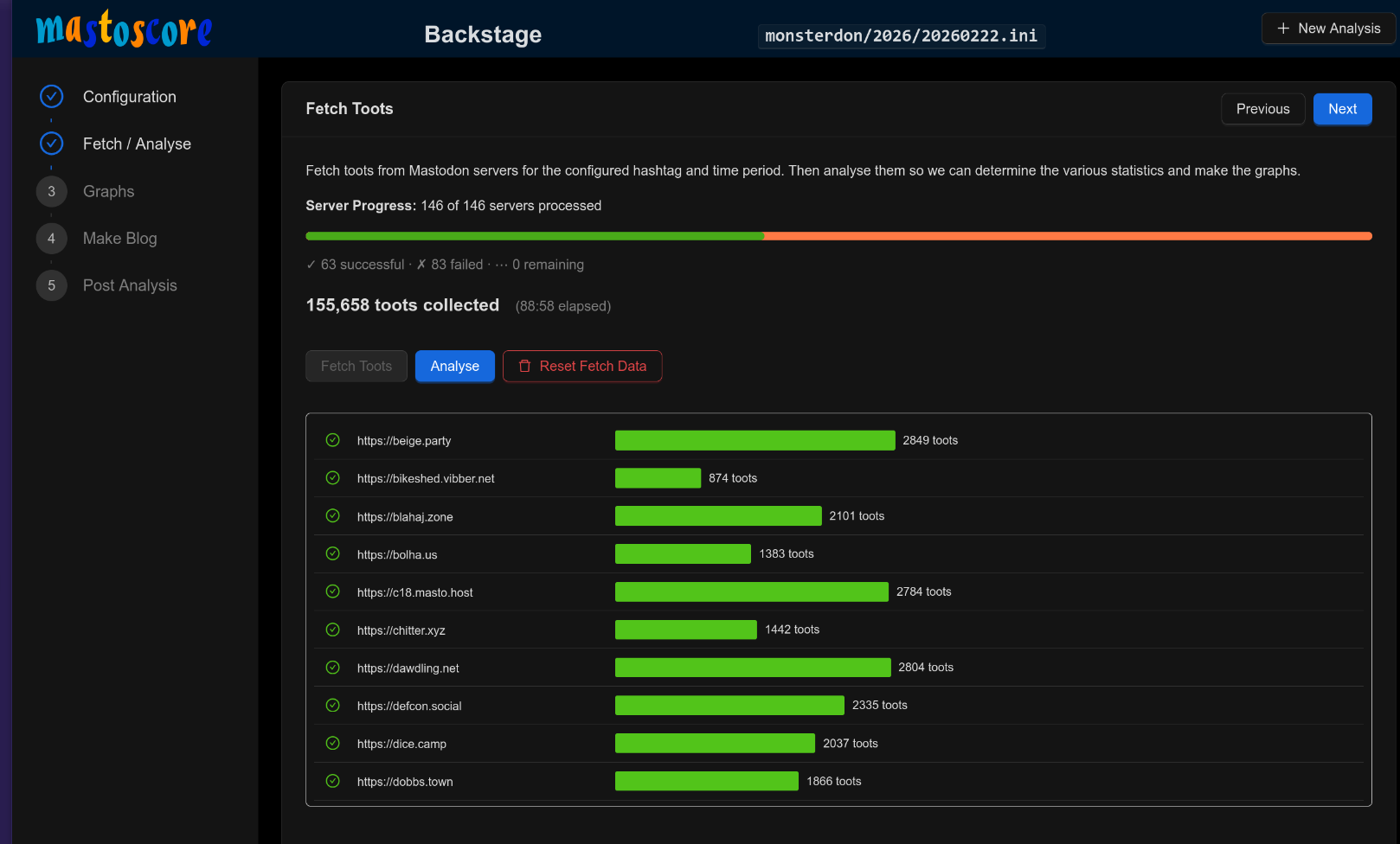
- Run the fetch.
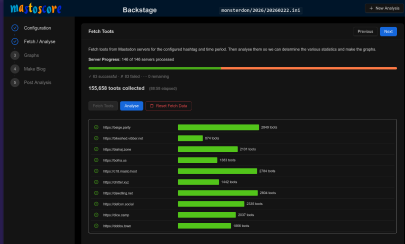 . This tends to take a while. A small run will be 2-5 minutes. Big runs, like Monsterdon, routinely take an hour. Note that it does some number of parallel fetches. That's controllable in the ini file.
 - Run the analysis. This will tell you the basics of what we discovered. Make sure it looks reasonable.
- Generate the histogram. Make sure it looks reasonable. This is usually where I discover something has gone wrong with the fetch or the analysis. One time I found that an Akkoma server somehow appeared to supply 1400 posts, and they were all timestamped at weird times. Obviously my fetching does something wrong with the data.
- Generate the wordcloud. This is an iterative process. Look at the wordcloud. Look at the words that are big and the text will tell you the top 10 words. I usually edit the stop words, update, and then regenerate.
- Go to the blog page. Search for a thumbnail and select it. Then generate the page. I have a separate process for publishing the web page and I usually do it first, so that the web site is right before the posts go out.
- Finally, post everything. Then click the links to the post so that you can see whether they look right.
Backend API
The module provides an HTTP, job-like interface to the mastoscore functionality. See the general documentation and the detailed documentation on it.
tmux Session
This will open a full-screen window with 2 panes.
- Kill existing session:
tmux kill-session -t mastoscore-backstage - Attach to running session:
tmux attach -t mastoscore-backstage```