
Run Backstage
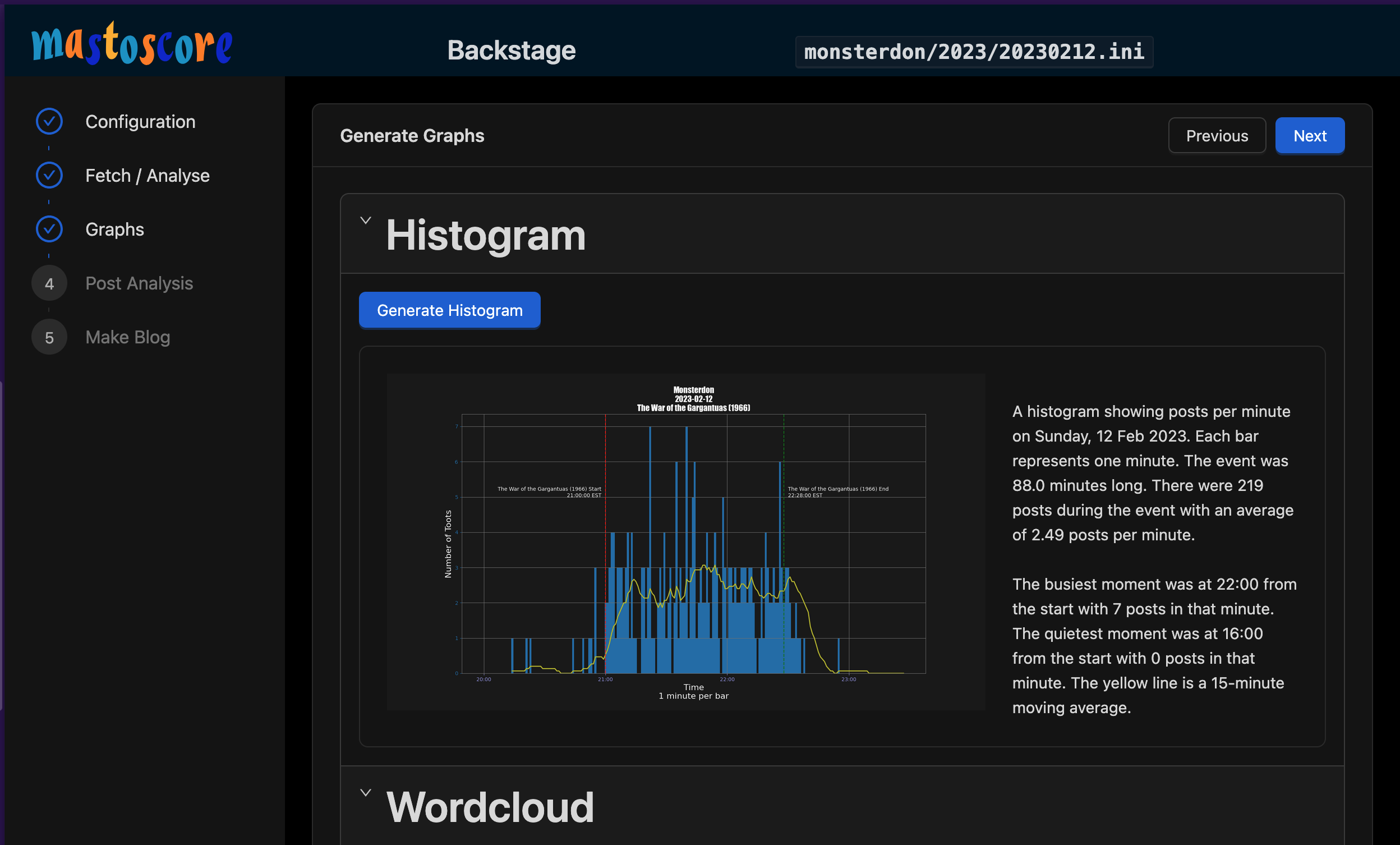
Backstage is a web-based front-end to Mastoscore functions. It breaks down the activities required to do a run into web pages that provide some immediate feedback.
Known Issues
- It currently does not do fetch at all. You must do fetch from the command line.
Quick Start
All commands run in the project root directory:
./scripts/backstage.sh
The backstage.sh will ensure that Python dependencies and NodeJS dependencies are installed. It implicitly invokes nvm.sh because that's what I use.
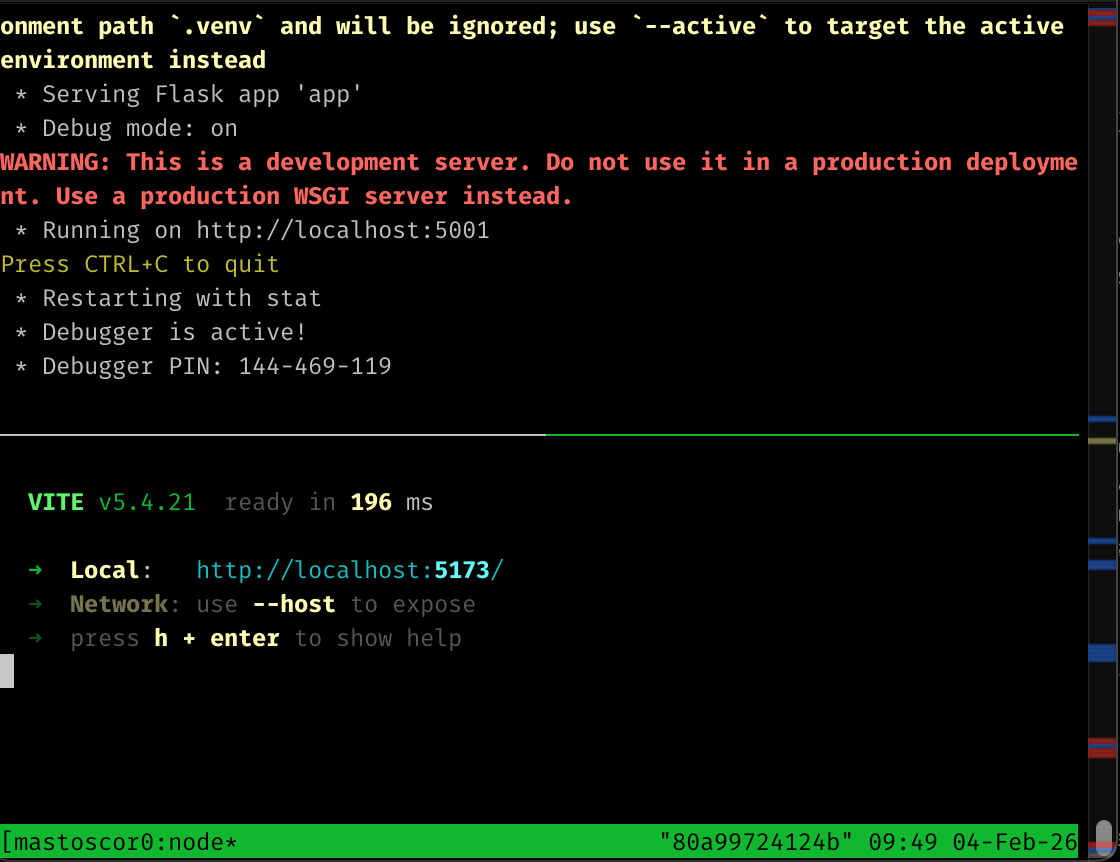
It will try to launch on port 5173. If you do a lot of React and vite development, that port might already be taken. Vite will choose another number, so watch. Sometimes it launches on 5174 because I already have something running on 5173. Open your browser to http://localhost:5173
Backend API
The webapi module provides an HTTP, job-like interface to the mastoscore functionality. See the docs on it.
tmux Session
This will open a full-screen window with 2 panes.
- Kill existing session:
tmux kill-session -t mastoscore-backstage - Attach to running session:
tmux attach -t mastoscore-backstage```